Open the dialer
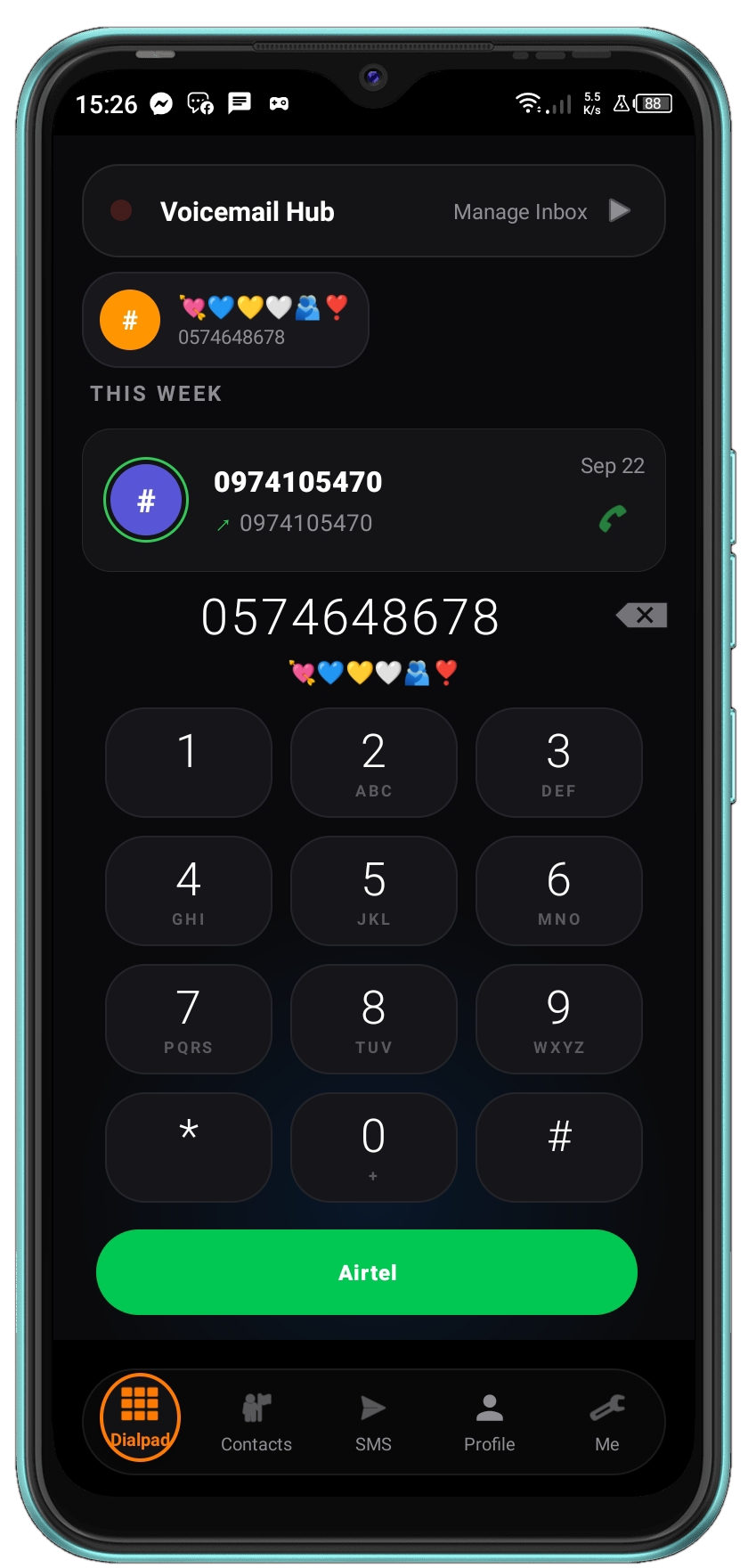
Enter a phone number using the 9shadows keypad.
01 / ANDROID SOFTWARE
A complete Android communication system built around messaging, phone calls, contacts, call history and device communication workflows.
DOWNLOAD 9SHADOWS ↓
9shadows is an Android application built to bring everyday communication workflows into one consistent interface.
The project combines calling, messaging, contacts, call history, dual-SIM workflows and Android device integration instead of treating each function as a completely separate experience.

MESSAGING
9shadows provides a dedicated messaging experience for communicating through the Android device.
Conversations are designed to work naturally with contacts and the rest of the communication workflow.
PHONE
The dialer provides the main interface for entering phone numbers and starting calls without relying on a generic application interface.
CALLING
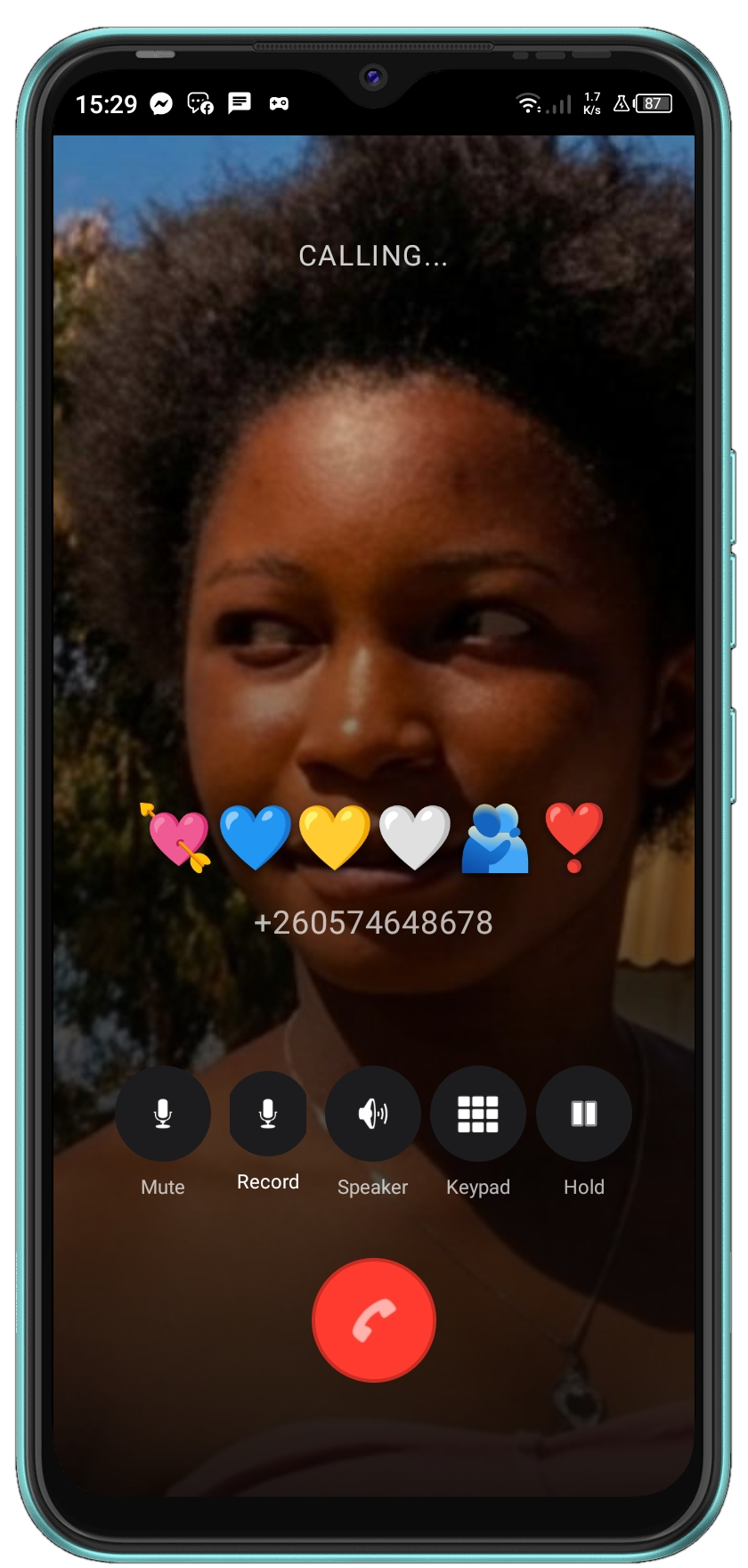
9shadows integrates the application's calling experience with Android's underlying telecommunications system.

DUAL SIM
Where supported by the device, 9shadows provides separate calling workflows for available SIM accounts.
This allows the user to select the appropriate SIM when placing a call.
CONTACTS
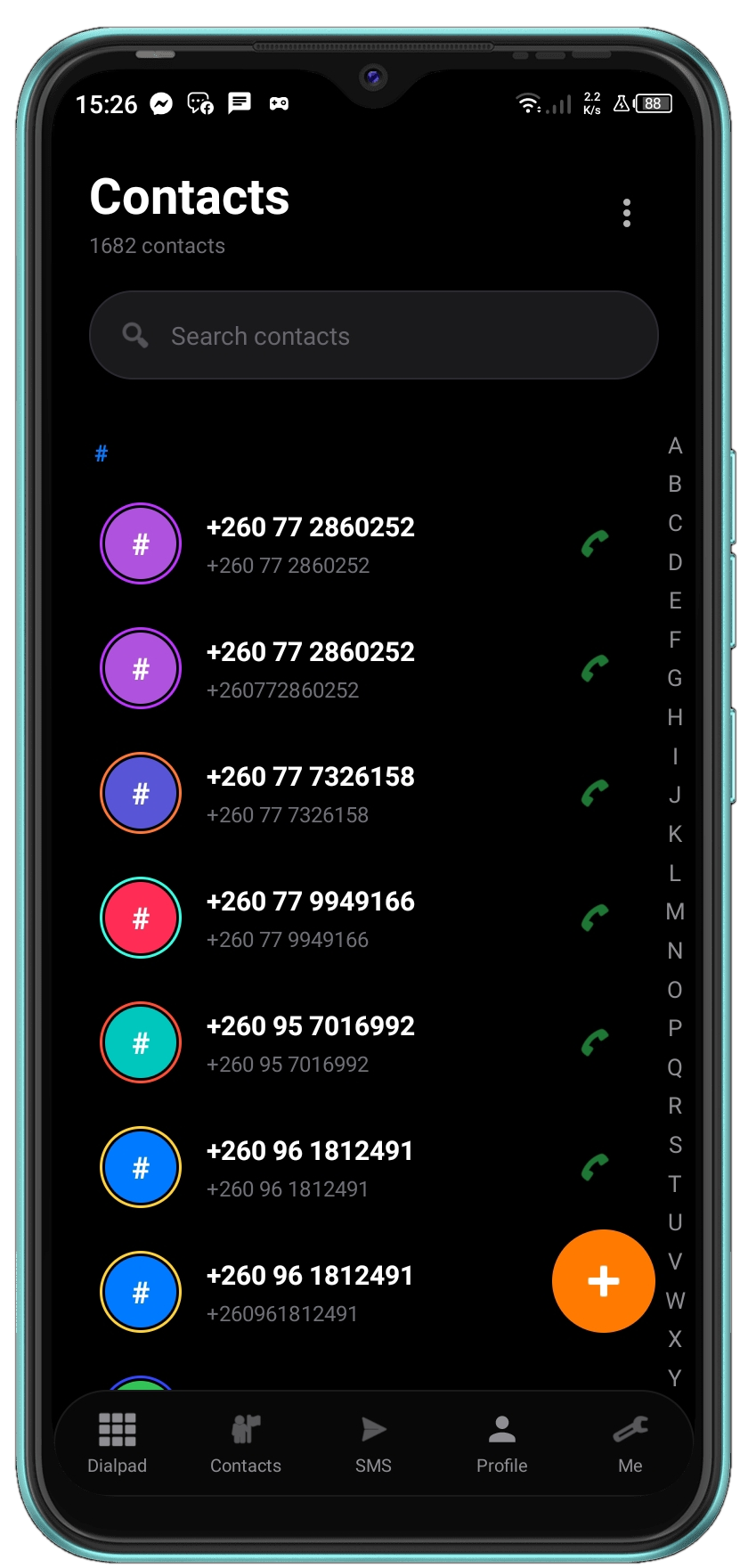
Contacts provide the bridge between people, phone calls and messages.
CALL HISTORY
Recent calls are presented as part of the communication experience, making it easier to return to previous conversations and contacts.
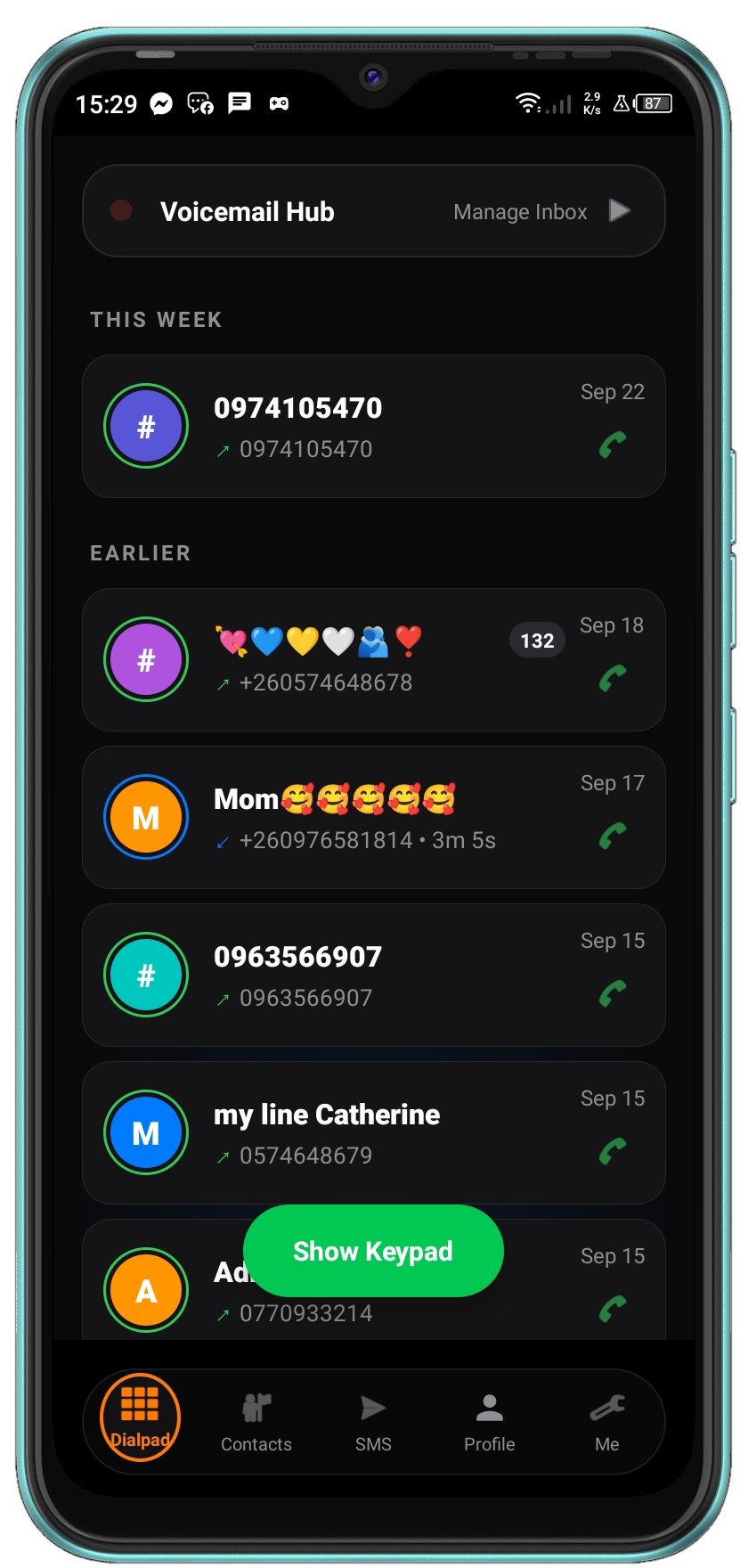
Enter a phone number using the 9shadows keypad.
On supported dual-SIM devices, select the SIM account to use.
Place the call through the Android communication system.
Return to contacts, messages or recent calls when the communication workflow continues.
10 / USER INTERFACE
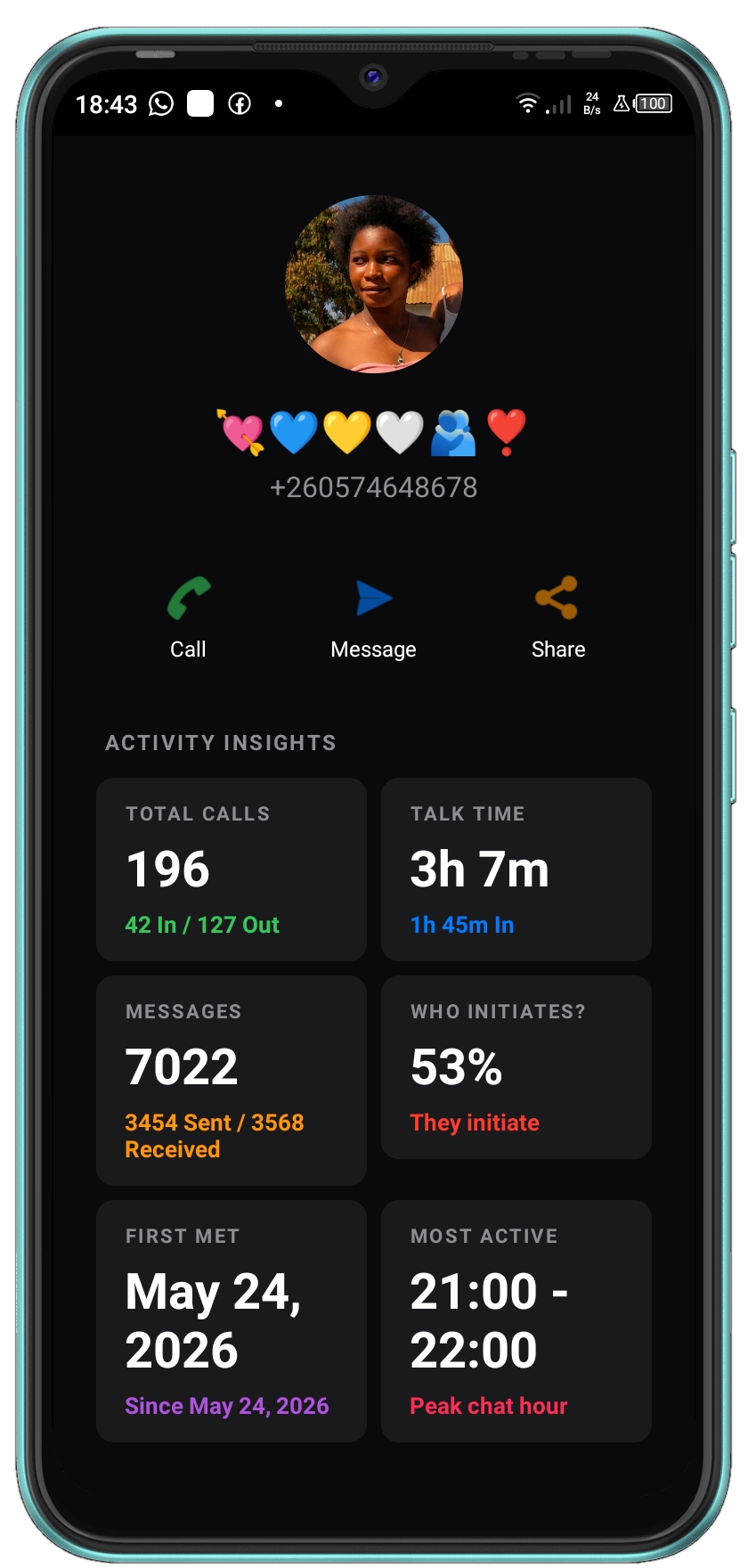
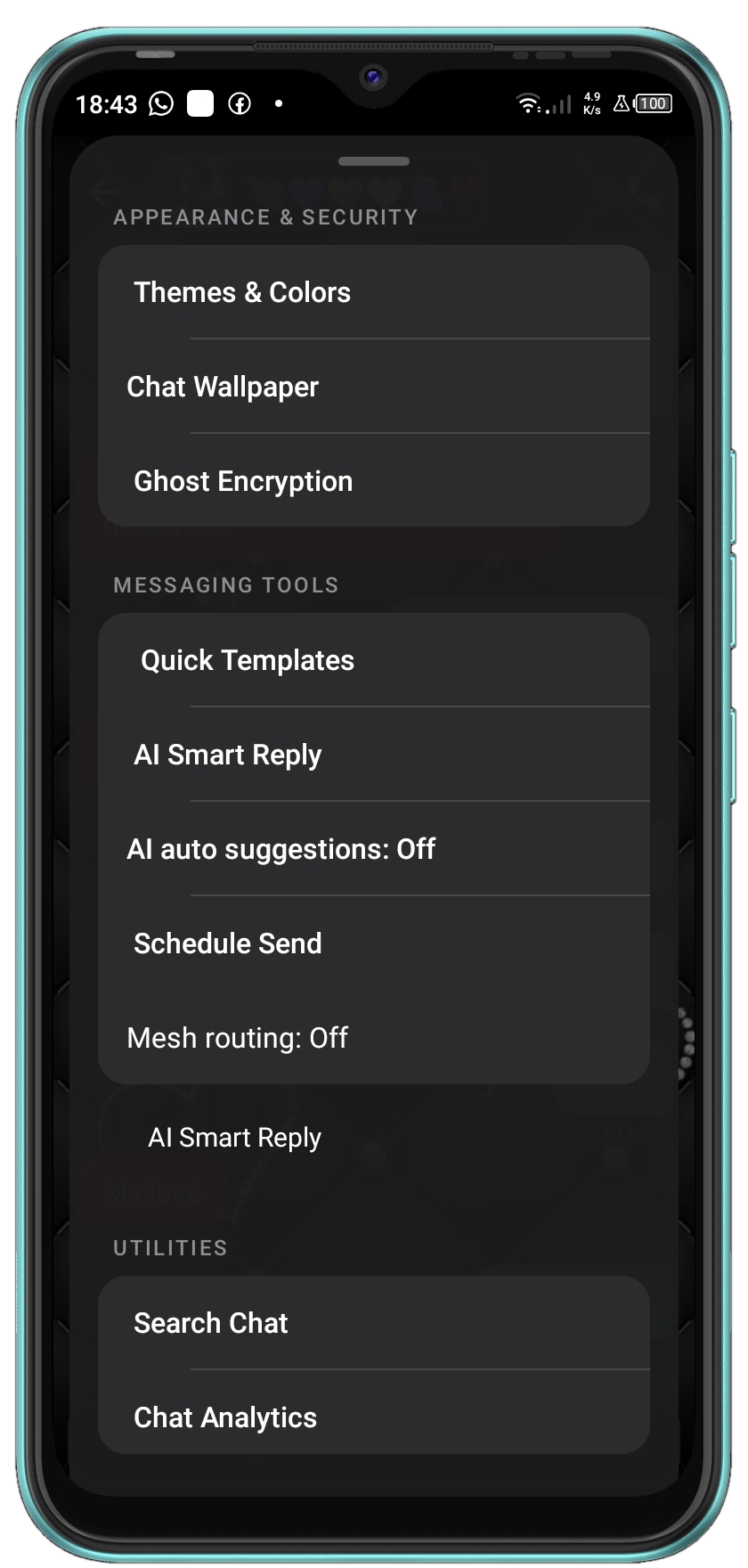
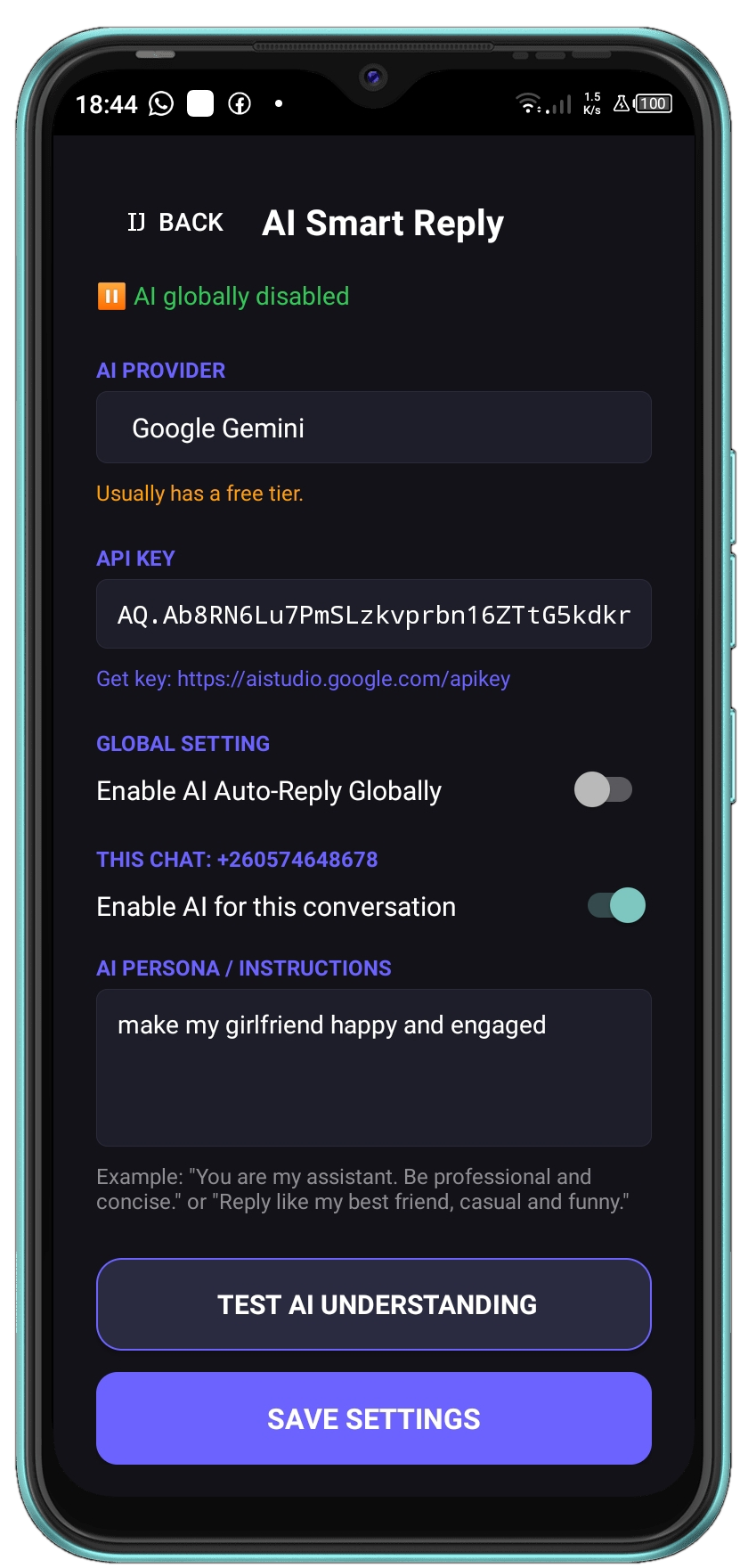
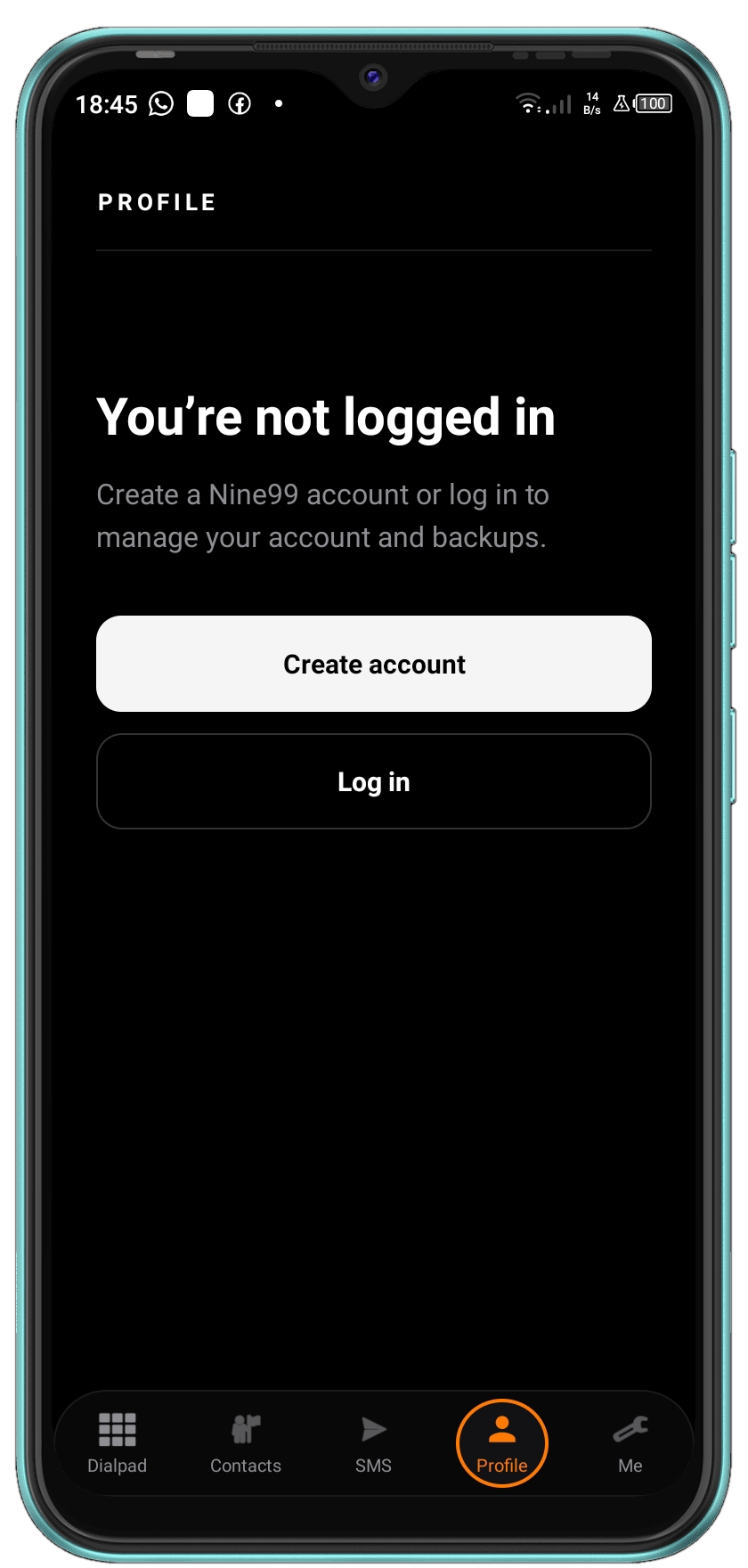
9shadows is built around native Android capabilities rather than treating calling and communication as simple visual interfaces.
COMPATIBILITY
The project is designed around modern Android versions while accounting for differences between Android releases and device capabilities.
9shadows is an Android communication application combining calling, messaging, contacts and related communication workflows.
Yes. Messaging is one of the communication functions built into the application.
Yes. The application includes a dedicated dialer and calling workflow.
The application includes separate SIM calling workflows for supported dual-SIM Android devices.
The project is developed with Android 10 through Android 16 in mind.
WHAT PEOPLE THINK
Share your experience with 9shadows. Your name is optional.
9SHADOWS